
How Cable Management Affects Focus and Productivity in a Design Studio
Running a design studio means spending 8 to 10 hours a day in front of screens, and the quality of that environment matters more than most professionals admit until they have worked in both a well-organized space and a chaotic one. The physical setup shapes the mental state. A desk with cables pulling in every direction, power strips stacked on the floor, and adapters dangling from monitor stands creates a friction that most people learn to ignore but never actually stop noticing. One upgrade that makes a surprising difference is choosing the right cord lengths: a short extension cord with flat plug sits flush behind furniture, eliminates the slack loop that collects dust and creates trip hazards, and makes the surface feel visually clear even when it is fully equipped.
That clearance has downstream effects. Designers who work in tidy environments consistently report better concentration during long projects, and the time spent managing visual noise (straightening cables, relocating adapters) adds up across a work week. The physical environment of a studio is a design problem in its own right, and it deserves the same systematic thinking that gets applied to client work.
Why Cables Accumulate Faster in Design Setups
A web design workstation accumulates wiring faster than most office configurations. A typical designer might run two monitors, an external keyboard and trackpad, a USB hub, a drawing tablet, headphones, a laptop charger, a desk lamp, and a speaker. Each of these devices brings its own cable or power brick, and the default assumption that the power outlet sits somewhere on the floor behind the desk creates an immediate tangle.
Standard extension cords with cylindrical plugs extend 4 to 6 inches from the wall, blocking adjacent outlets and preventing furniture from sitting flush. Round power cords hang in loops that swing when disturbed and gradually pull devices across the desk surface. These are minor frustrations taken individually, but across a year of daily work they account for a meaningful amount of distraction and physical readjustment that most people attribute to vague stress rather than a specific, fixable cause.
The Case for Purpose-Specific Cord Choices
Professional electricians have long distinguished between extension cords appropriate for different applications. Flat plug designs exist specifically for low-clearance situations: the plug sits parallel to the wall surface, requires no offset space, and leaves adjacent outlets fully accessible. For furniture that needs to sit flush against a wall, which describes most standing desks, shelving units, and equipment carts in a design studio, this is a practical requirement rather than a preference.
The amperage and gauge of the cord matter as well. Design workstations often run close to the 15A limit of a standard US circuit when monitors, computers, and peripherals draw power simultaneously. According to OSHA’s guidelines on electrical safety in the workplace, overloaded extension cords are among the most common causes of office electrical incidents. Using cords rated for the actual load is a safety consideration, not just a convenience one.
Workstation Organization as a Productivity System
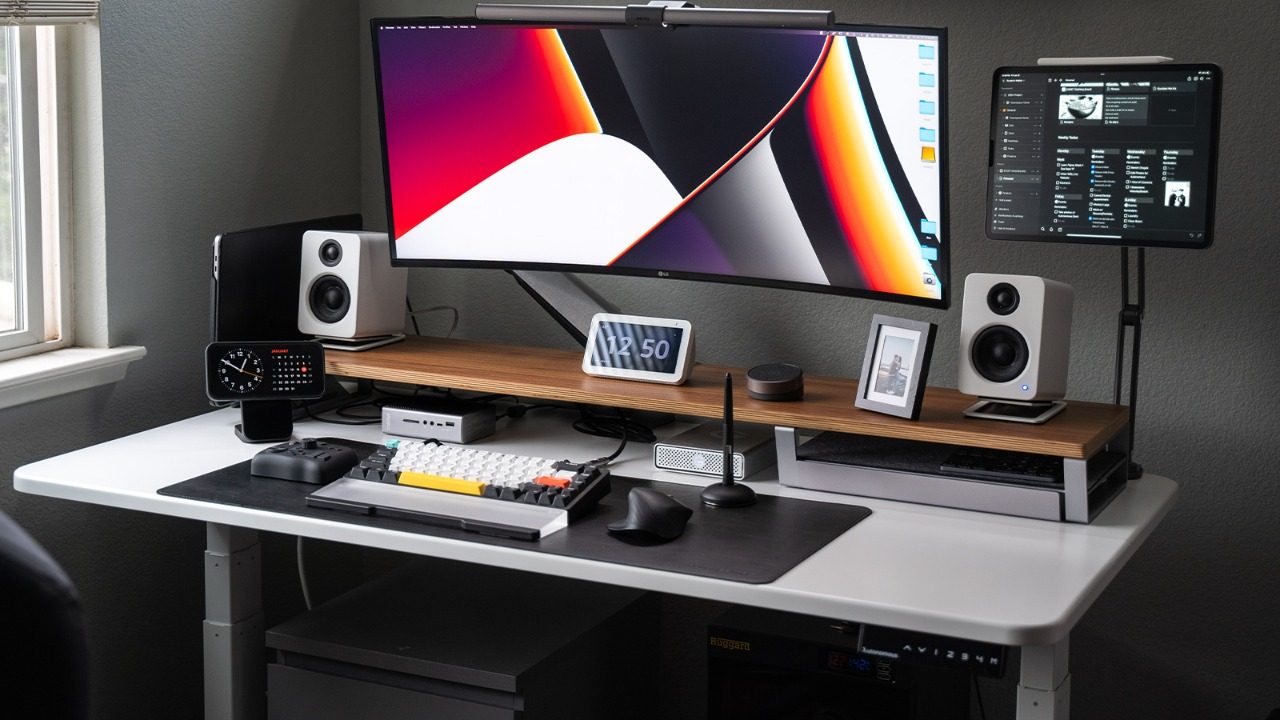
The relationship between physical environment and cognitive output has been studied extensively in workplace psychology and organizational research. Clutter above and below the desk surface competes for visual attention even when it is technically out of direct sight. Cable loops on the floor register as disorder, and the brain processes disorder as something that requires eventual attention, which draws resources away from focused work.
Designers who have systematically reorganized their setups often describe the change in disproportionate terms: they settle into deep work faster, experience less drift toward low-effort tasks, and feel more ownership of the space. The National Fire Protection Association notes in its electrical safety resources that proper cord management also reduces fire risk, which adds a concrete safety dimension to what might otherwise appear to be a purely aesthetic argument. A clean setup is safer and more functional, not just more pleasant.
Layout Principles That Actually Work

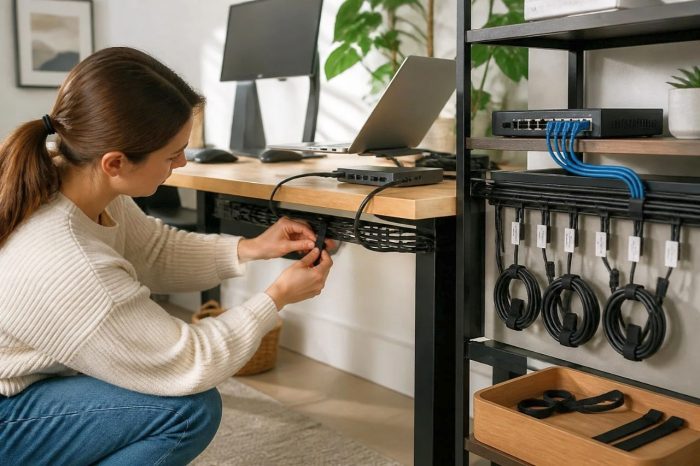
Starting from scratch gives the best results, but incremental reorganization improves a setup noticeably. The core principle is to route power from a single point rather than daisy-chaining from multiple outlets and letting cables follow gravity. A surge-protected power strip mounted under the desk surface or to a cable tray centralizes the connection point and lets individual device cords drop straight down rather than running across the work surface.
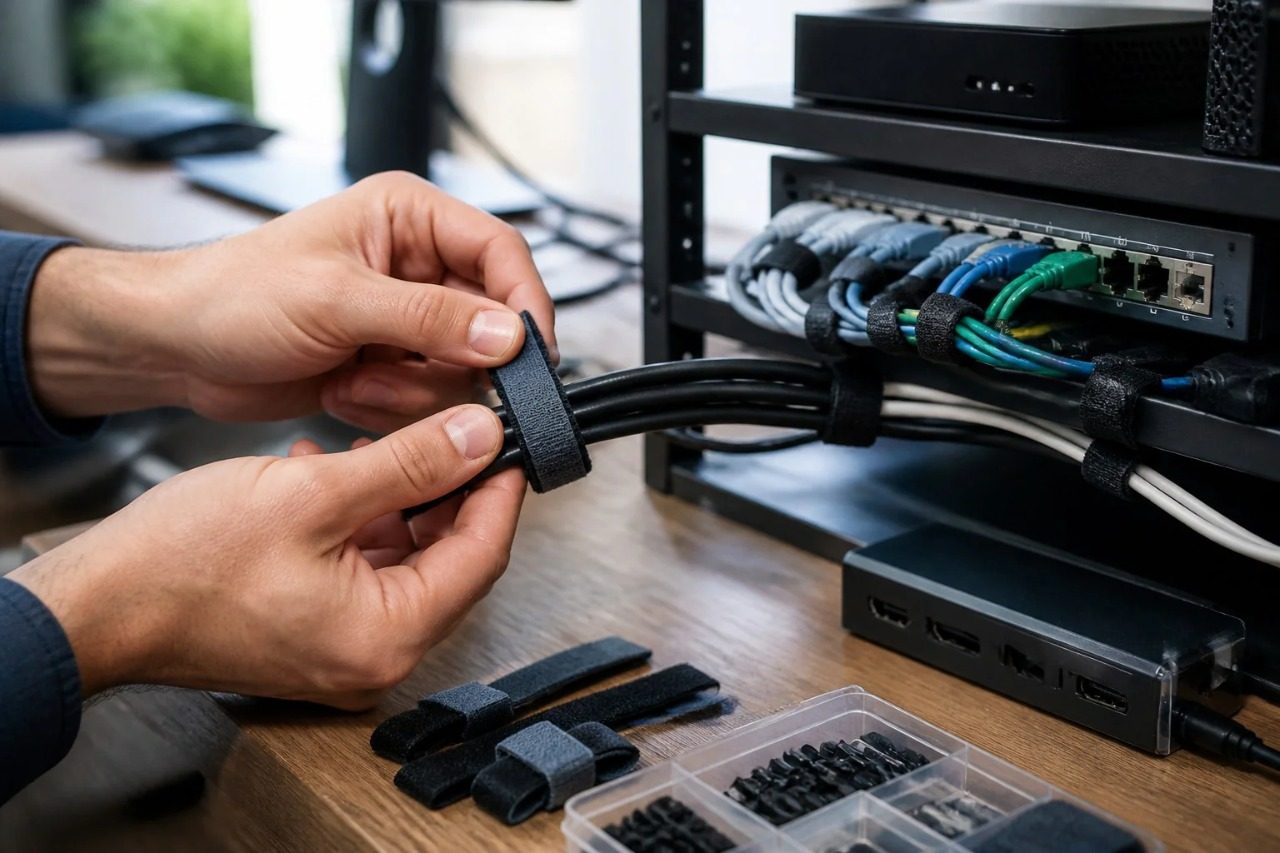
Cable channels, adhesive clips, and hook-and-loop ties keep runs consistent. Every cable should follow either a vertical drop or a horizontal path along furniture edges, never crossing the open desk surface or the floor in front of the chair. When each run has a defined path, adding or removing a device doesn’t disturb the rest of the system. This is the same structural thinking that good information architecture applies to site navigation: define the logic once and the system stays navigable as content grows.
What a Clean Setup Communicates
Design work alternates between highly focused production sessions and looser exploratory ones, and the environment needs to support both. During focused work, anything that draws the eye unnecessarily competes for attention. During exploration, physical comfort and the sense of adequate visual space matter more.
A well-managed studio also communicates something about the people working in it. Clients who see a workspace on a video call form impressions about organizational competence based partly on what the physical environment looks like. A tidy, logically arranged desk reads as professional attention to detail. The cable management is not the message, but it contributes to the signal that the message rides on. Getting the physical environment right is part of the same discipline that makes the digital work worth looking at.